

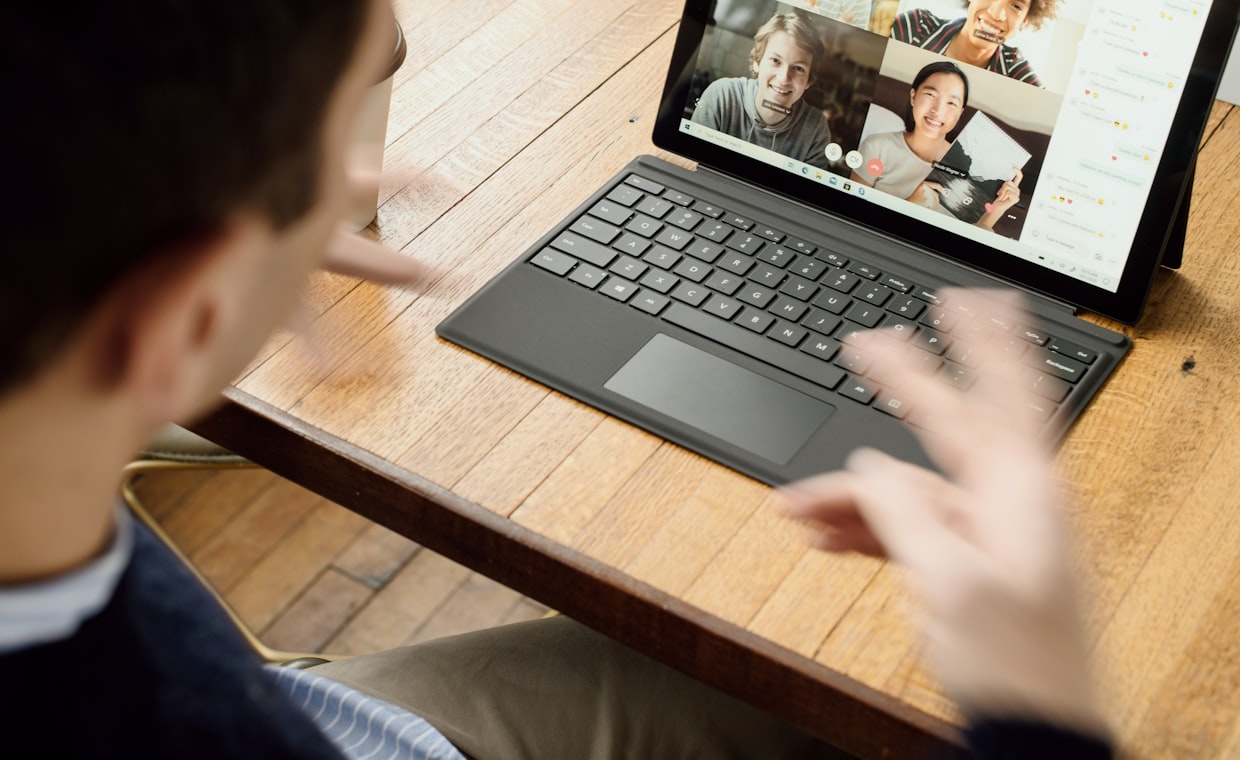
Picture this. It is 10:58 a.m., you are pacing your kitchen with a phone pressed to your ear, and a recruiter you have never met asks, "So, tell me why this role caught your eye." Two days later, same job, and now you are staring into a laptop camera, checking whether your ceiling fan is casting a weird shadow on your forehead.
Same company. Same you. Two completely different games. I have coached enough people to know that folks who ace the phone screen sometimes freeze on video, and polished video people ramble on a call because nobody can see them nodding along.
So let me break down what actually changes between the two, and how to walk into each one like you have done it a hundred times.
Why the Format Changes Everything
A phone screen and a video interview test the same candidate, but they reward different muscles. On the phone, your voice carries the entire message. On video, your face, your setup, and your body language all get a vote.
Here is the mindset shift I want you to make. The phone screen is usually a filter. A recruiter is checking whether you are real, reachable, and roughly aligned on salary and logistics. The video interview is where they start imagining you on the team.
Both matter. But if you treat them as identical, you will over-prepare for one and get caught flat on the other.
Phone screen = "Does this person clear the bar?" Video interview = "Do we want to work with this person?" Prepare for the question behind the format, not just the questions on the list.
The Phone Screen: Your Voice Does All the Work
On a call, you lose every visual cue. The interviewer cannot see you lean in, smile, or count on your fingers. That sounds like a disadvantage, and sometimes it is, but it also hands you a secret weapon: notes.
Nobody can see your cheat sheet on a phone screen. So use one. I keep a single page with three columns: my top three wins for this role, two thoughtful questions, and my salary range in bold so I never fumble it.
Your energy has to travel through your voice alone, which means you need to work a little harder to sound engaged. Stand up if it helps. I am serious. Standing changes your breathing and your tone lands warmer.
One more thing. Pauses feel three times longer on a call because there is no face to fill the silence. Resist the urge to rush. A calm "That is a great question, let me think for a second" reads as confident, not slow.
The Video Interview: You Are On Camera Now
Video adds a whole layer that the phone does not. Suddenly your background, lighting, and eye contact are part of the interview whether you planned for them or not.
Let me save you some pain. Do a full tech rehearsal the day before, not five minutes ahead. Test the camera, the mic, the link, and the platform. I have watched a brilliant candidate lose fifteen minutes to a broken audio driver, and the panel had already moved on emotionally by the time she got in.
Lighting is your friend. Face a window or put a lamp behind your webcam, never behind your head. And look at the camera lens when you speak, not at the little box of your own face, or you will seem to be staring at the floor the whole time.
The upside of video is that you get your body language back. Nod, gesture within the frame, and let your face show that you are interested. That warmth is exactly what a hiring manager is watching for when they picture you in meetings.
Phone Screen vs Video Interview at a Glance
Here is the side-by-side I give every client so the differences stick.
| Factor | Phone Screen | Video Interview |
|---|---|---|
| Main goal | Filter and logistics check | Fit and team assessment |
| Who runs it | Usually a recruiter | Hiring manager or panel |
| Notes allowed | Yes, fully hidden | Yes, but keep glances brief |
| What carries you | Voice and clarity | Voice, face, and setup |
| Biggest risk | Sounding flat or rushed | Tech failures and eye contact |
| Prep priority | Talking points and range | Rehearsal and environment |
Notice the pattern. The phone screen rewards preparation you can hide. The video interview rewards preparation the interviewer can see.
What Stays the Same in Both
Do not let the format differences fool you into thinking these are separate skills entirely. The core of any strong interview is the same across both.
You still need clear stories about your work. You still need to research the company. And you still need to know how to prepare for a job interview at a foundational level, because format tricks cannot rescue thin answers.
Whichever version you are facing, the same interview mistakes candidates make will sink you: showing up without questions, badmouthing an old boss, or rambling past the point where the interviewer stopped listening. Format does not forgive those.
- Three specific stories that show results, not just duties
- A genuine reason you want this exact role
- Your salary range, said without flinching
- Two or three sharp questions of your own
Turning the Tables: Questions You Ask
The moment they say "What questions do you have for me?" is not a wrap-up. It is a live audition for how curious and prepared you are, and it lands differently in each format.
On the phone, keep your questions crisp and logistics-aware, since the recruiter may not go deep on strategy. On video, you have room to ask something richer and read the interviewer's reaction as they answer.
Either way, come loaded. If you need inspiration, study the best questions to ask in an interview and pick two that feel true to you. Reading them off a script sounds hollow, so make them your own.
A quick word on follow-up
After both formats, send a short thank-you note within a day. Reference one specific thing you talked about. This tiny habit separates the candidates who feel considerate from the ones who feel forgettable, and it takes four minutes.
Common Traps and How to Dodge Them
Let me call out the mistakes I see most, because knowing them ahead of time is half the fix.
On the phone, people speak too fast and forget the interviewer cannot see them thinking. Slow down and narrate your pauses. On video, people forget to look at the lens, over-rely on their notes, or let a notification ping mid-answer. Silence everything before you start.
And in both, watch for the trap of treating the recruiter or junior interviewer as less important. Every conversation is part of the process. Treat the scheduling coordinator with the same warmth as the CEO, because their opinion travels further than you think.
Should I use notes during a video interview like I would on a phone screen?
Yes, but sparingly. Keep a few bullet points near your camera so your eyes stay up. Long glances down are obvious on video and break the connection, so notes should jog your memory, not script your answers.
What if my internet cuts out during the video interview?
Stay calm and rejoin quickly. Send a short message saying your connection dropped and you are coming right back. Interviewers understand tech hiccups. What they remember is whether you handled it gracefully or panicked.
Is a phone screen or video interview more important?
Neither is optional. The phone screen decides whether you advance at all, so it is a true gate. The video interview usually carries more weight in the final decision because that is where fit gets assessed. Give both your full effort.
Here is what I want you to hold onto. The format is just the container. Your stories, your curiosity, and your calm are what get you hired, and a phone and a camera simply ask you to show those in different ways. Prep for the format, then trust your work. You have got this.